Make Your Own QR Codes for Business Cards
Make Your Own QR Codes for Business Cards
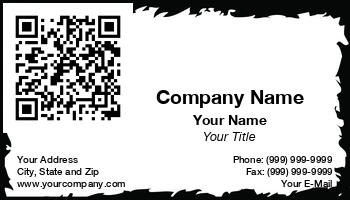
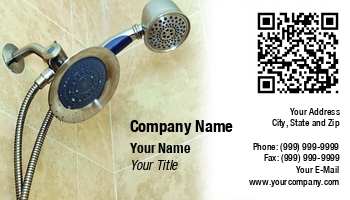
In this rapid paced world, QR Codes are becoming more popular and their uses are plentiful as well. A Quick Response Code can contain up to 7000 characters of information in a very small space the size of a postage stamp. Savvy business people are using them on their business cards because they can provide instant access to data that would otherwise take longer to receive or to look at. All it takes is a little ingenuity and you too can create your own QR Codes on your business card.

Make Your Own QR Codes for Bus Categories
Use of a QR Creator or Generator to Make Your QR Code Business Cards
At PrintBusinessCards.com you can make your own QR codes to put on your business cards. Their process is as simple as 1-2-3 as you just follow the steps to create your QR code. You can have the QR code access a video for your business or access a display of your products. Or you can have the QR code access your website or provide a map to your headquarters.

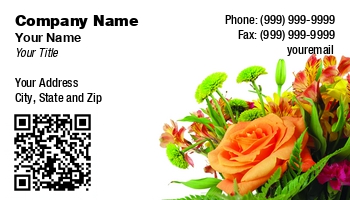
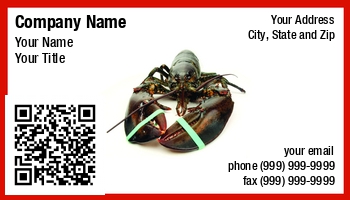
You could create several different types of QR codes to go on your business cards to be used at different types of meetings depending on the data you want to provide to your audience. Whatever you choose can be easily done or you can make a customized QR code to suit your needs.

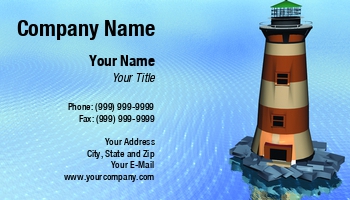
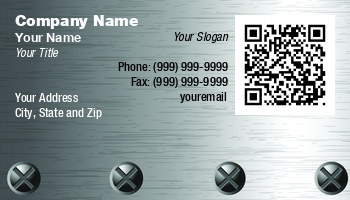
Ordering QR Code Business Cards
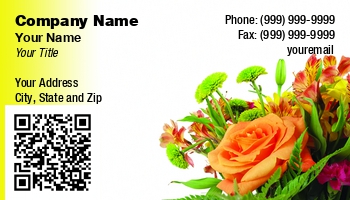
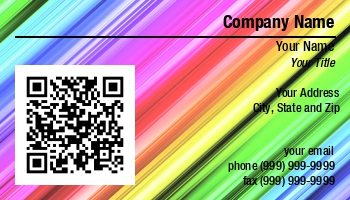
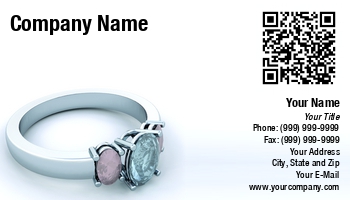
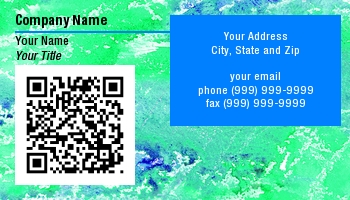
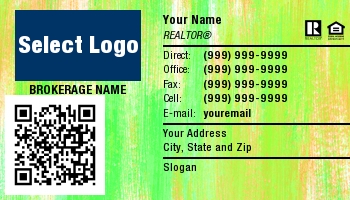
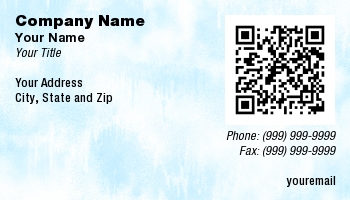
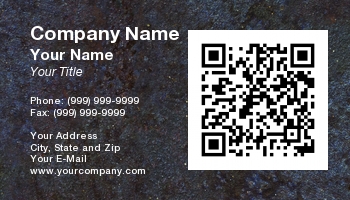
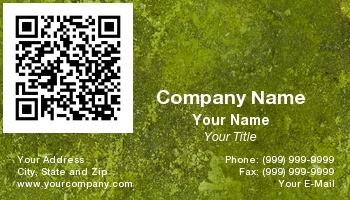
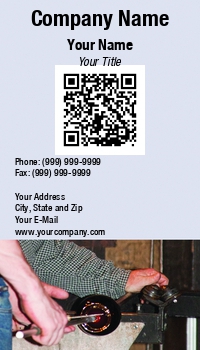
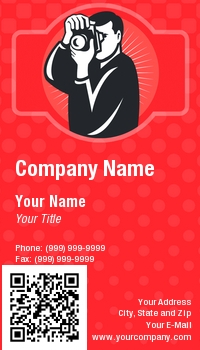
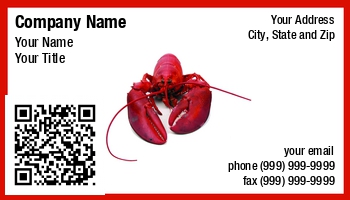
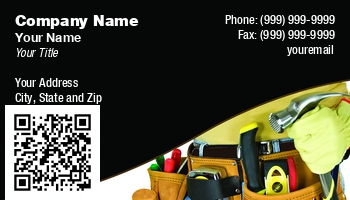
If you see a business card that you want to use, simply click on that image. By clicking on the image it will immediately take your selection to the Card Editor. This area will allow you to continue developing your card by entering your personal information (credentials, phone number, email address, mailing address, etc.). It will also give you the opportunity to use the back of your card if you desire. The back of your business card is an ideal location to have a customized Quick Response Code printed.
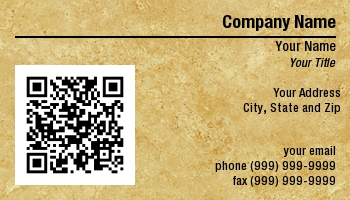
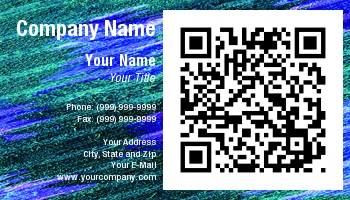
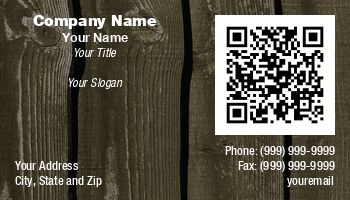
QR Codes are becoming a very popular and highly desired marketing tool - create yours to simply include your contact information that, when scanned, will automatically get saved into the card recipient's address book on their Smartphone. Or, create a Quick Response Code that will take your business card's recipient to a video, website, or printable coupon for your products or services. The sky's the limit with how you choose to use a Quick Response Code. Once you are satisfied with the way your card looks, go ahead and complete your order. We will never sell your information. We are not a data collection company. We print business cards. It's that simple for us. In addition to this peace of mind, we also offer our 100% satisfaction guarantee. This means we will reprint at no charge if you are not completely satisfied.