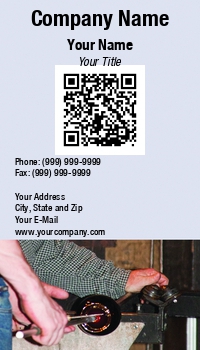
What is a QR Code?
Manage Your Business Cards
Easy to Use Online Business Card Ordering and Management for Medium & Large Organizations.
Easily Manage Your Business Cards
Design a New Business Card
Need to design a new business card? Click here to get started with our easy-to-use design software.
Design a New Business Card
What is a QR Code?
In our fast evolving world of technology, a QR Code is the latest technique that can be used for marketing or advertising purposes. A Quick Response Code actually looks like an attractive bar code graphic or a small piece of artwork the size of a postage stamp. Like a barcode in a grocery store, this QR Code must be scanned to access the information inside. But unlike a normal barcode that has only vertical lines and only holds a minimal amount of data for a maximum of about ten characters, a QR Code can hold up to 7000 characters in a very small space.


What is a QR Code? Categories
How is a QR Code Used?
You will find these innovative QR Codes popping up in magazines, newspapers and other advertising materials including your television. They are being used in a myriad of ways that becomes more innovative every day. To access the QR Code and find out what it says inside that attractive graphic, you need a Smartphone with a scanner. It is like using the camera on your cell phone, you simply press a button and the Smartphone scans the QR code.

QR Codes can Contain Surprises
The surprise is the amazing things that can be inside a QR Code such as a video showcasing your business or a coupon for a discount at your local store. The QR Code could link you to your website or to a Facebook page or other social media sites. Some QR codes even connect you to a PayPal account so that you can pay for your purchase in that way. QR Codes are definitely here to stay and offer an innovative approach to marketing that everyone loves.

Ordering QR Code Business Cards
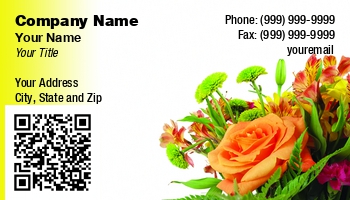
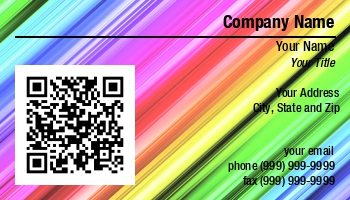
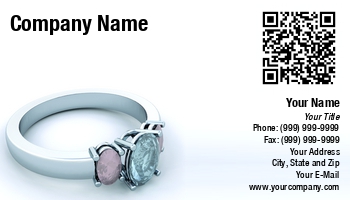
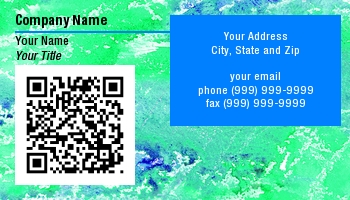
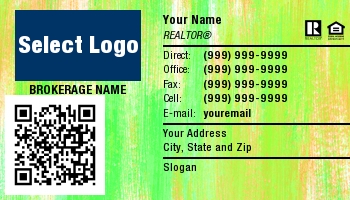
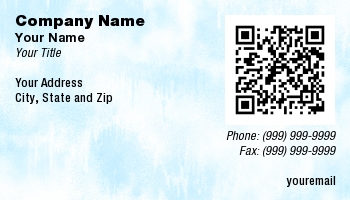
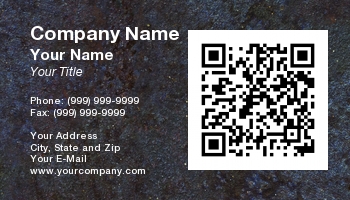
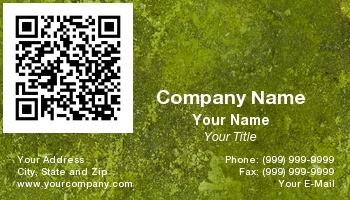
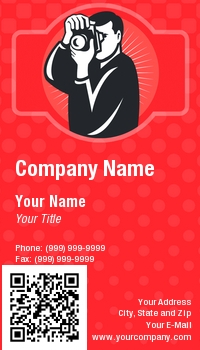
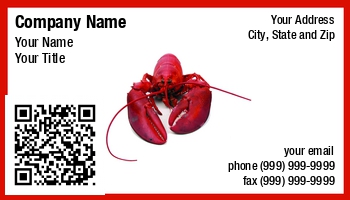
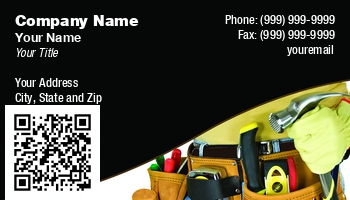
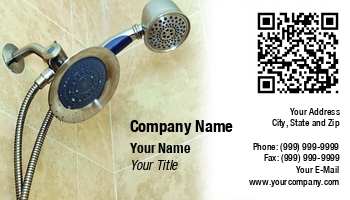
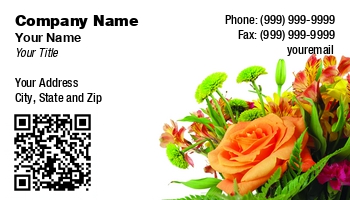
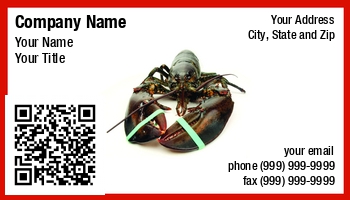
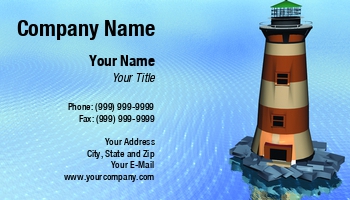
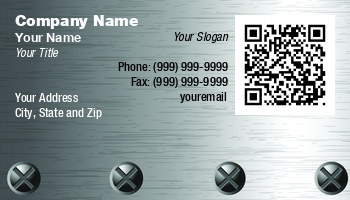
If you see a business card that you want to use, simply click on that image. By clicking on the image it will immediately take your selection to the Card Editor. This area will allow you to continue developing your card by entering your personal information (credentials, phone number, email address, mailing address, etc.). It will also give you the opportunity to use the back of your card if you desire. The back of your business card is an ideal location to have a customized Quick Response Code printed.
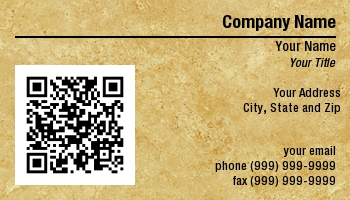
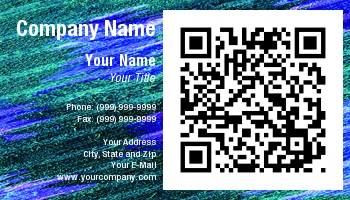
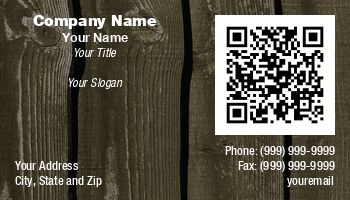
QR Codes are becoming a very popular and highly desired marketing tool - create yours to simply include your contact information that, when scanned, will automatically get saved into the card recipient's address book on their Smartphone. Or, create a Quick Response Code that will take your business card's recipient to a video, website, or printable coupon for your products or services. The sky's the limit with how you choose to use a Quick Response Code. Once you are satisfied with the way your card looks, go ahead and complete your order. We will never sell your information. We are not a data collection company. We print business cards. It's that simple for us. In addition to this peace of mind, we also offer our 100% satisfaction guarantee. This means we will reprint at no charge if you are not completely satisfied.