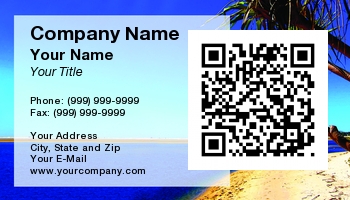
QR Code Business Cards - vCards
Storing contact information on your business card in a QR Code is the natural extension to business cards, connecting the age old practice of exchanging personal cards to the modern age of smartphones. This also ensures that you get all your contact information stored onto their cell phone in a convenient and accurate manner.
Use QR Code Business Cards to Transfer Contact Information to Your Customers' Smartphones
You can use a QR Code to store vCard contact information which end users can easily add to their phones address book directly from your card. This is generally best done on the back of the card as to store all the information inside the QR Code makes a very large code. To use this feature, simply select any business card template on our site (or upload your own design), and when you get to the backer selection portion there is a QR Code template you can choose.
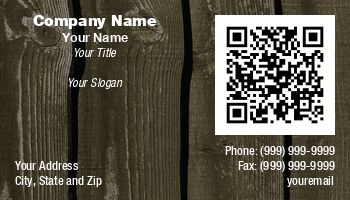
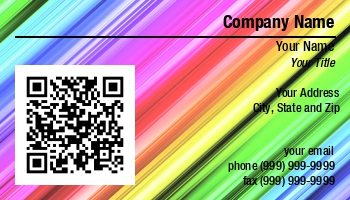
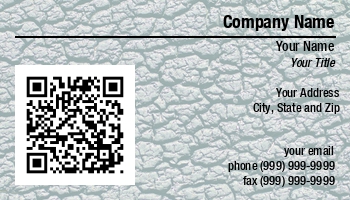
QR Code Business Cards Make Exchanging Information Easy
You can get the information directly from your business card into a user's cell phone just by scanning the QR code. Unlike using things like Optical Character Recognition (OCR) to scan the text on your card, this ensures there are no typos, and that all the information goes to the correct field on the cell phone.